Roblox on Android TV: Official Smart TV Rollout, RAM Targets, and Remote Support
Check which Android TV models qualify for Roblox's Smart TV rollout, how TV remote and gamepad controls work, and what limitations apply at launch.
Following its April 2026 announcement, Roblox began rolling out an official Smart TV client to select Android TVs in May 2026, delivered straight through the Google Play Store on eligible televisions. Rather than launching everywhere at once, Roblox explained on the Developer Forum that this first release was a work-in-progress build aimed at gathering feedback while longer-term TV features were built out.
To see how Android TV stacks up against phones, computers, Chromebooks, and VR headsets, browse our complete guide to Roblox on every platform.
Which Android TV Models Qualify
Roblox has not published a brand-by-brand television model sheet. Instead, the rollout targets two hardware memory tiers across Android TV sets:
- 1080p televisions: At least 1.5 GB of RAM.
- 4K televisions: At least 2 GB of RAM.
If your television qualifies, Roblox appears directly inside the Google Play Store on your TV. Opening the app for the first time shows startup notices explaining that the software is not final and will receive future upgrades. On its general Help Center device-availability page, Roblox also points players to the Roblox Blog for future platform announcements alongside its official Mobile and System Requirements documentation.

TV Remote Controls vs. Gaming Controllers
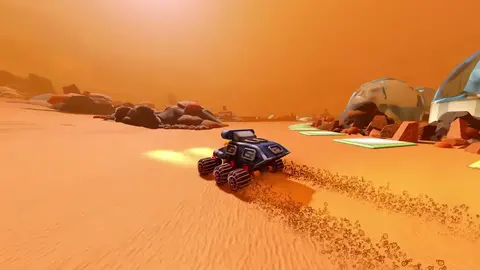
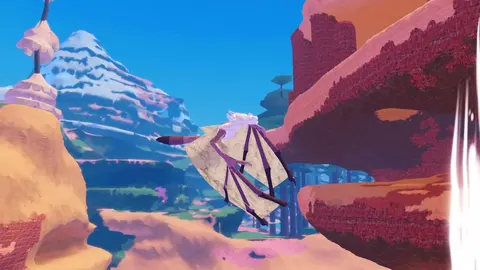
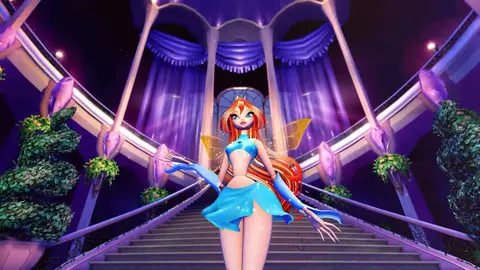
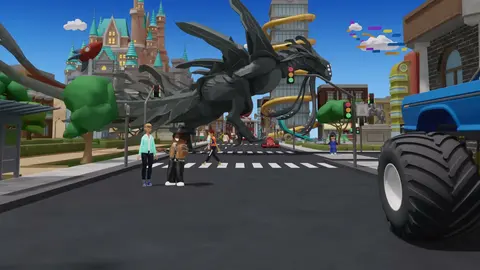
At launch in May 2026, Roblox opened the Smart TV homepage with 10 featured experiences selected because they play smoothly using a standard TV remote and run reliably on lower-end hardware, with plans to continue adding more over time. None of those 10 launch picks requires a separate gamepad, though you are free to pair a gaming controller if you prefer one.
Outside that initial group, controller support becomes much more important:
- Broader catalog expectations: Not every Roblox title works comfortably with a television remote, and many experiences still call for a connected gaming controller.
- Clearer remote vs. controller guidance: In its April 2026 announcement, Roblox stated that upcoming 2026 upgrades would add clearer ways for players to distinguish remote-friendly titles from controller-required experiences.
- Initial-rollout remote navigation: In its April 2026 rollout notes, Roblox explained that primary navigation paths were in place while remaining in-app user flows were still being tuned for TV remotes.

Launch Limitations and Upcoming TV Updates
Roblox explicitly states that the initial Android TV app does not match mobile, desktop, or console feature parity. Expect several technical and feature limits during the early release:
- Memory and web-view stability: Opening a memory-heavy experience or triggering an embedded web view can make the television app sluggish or cause crashes.
- No voice chat at launch: Live voice chat is absent in the initial build, although microphones built into select TV remotes can handle voice-to-text typing.
- No “Recommended for You” shelf: The TV homepage omits the “Recommended for You” feed at launch, focusing instead on games already playable with a remote without creator rework. Activity on TV helps personalize TV discovery later without changing how experiences rank inside “Recommended for You” on mobile, desktop, or consoles.
- Creator tools scheduled later: In its April 2026 announcement, Roblox scheduled dedicated TV APIs for tuning remote input and TV-specific game analytics for later in 2026 rather than at initial launch. Creators also could not opt experiences out of TV at launch, though Roblox outlined plans to expand creator publishing controls and bring TV homepage placements in line with other platforms over time.

What If Your TV Does Not Show Roblox in Google Play?
If the Play Store on your Android TV hides Roblox, your television likely sits outside the targeted rollout models or below the memory and graphics floor. Roblox does not document sideloading phone or tablet APKs onto televisions; separately, its standard mobile requirements specify Android OS 8.0 or newer, OpenGL ES 3.0 graphics, and a 4–8 Mb/s connection, noting that newly released or pre-release operating systems or devices may not receive immediate support.
Roblox Support also warns that Android hardware varies so widely that matching the OS floor without a Tegra 2 chip still does not guarantee smooth play. Unrecognized or underpowered Android devices can hit two warning tiers: a skippable notice warning of heavy lag, or an unskippable block—commonly seen on Tegra 2 graphics or pre-ARMv7 processors—that restricts you to menus outside gameplay.
For details on those warning screens, check our Roblox device not supported guide. If you are installing on a regular Android phone or tablet instead of a television, follow our Android Roblox APK and XAPK installation guide, or compare another big-screen alternative in our Roblox on Meta Quest VR guide.
Sources
- Roblox Developer Forum — Roblox is coming to smart TVs! (2026-04)
- Roblox Support — Roblox Mobile System Requirements
- Roblox Support — When will Roblox be on other devices?
- Official gameplay footage